 KeepMusic
Your one-stop music downloader to save high-quality tracks from all major platforms, including Spotify, Apple Music, YouTube, Amazon Music, Tidal, Deezer, SoundCloud, and 10,000+ podcast sites.
*Tips: KeepMusic is designed for personal, fair-use downloading.
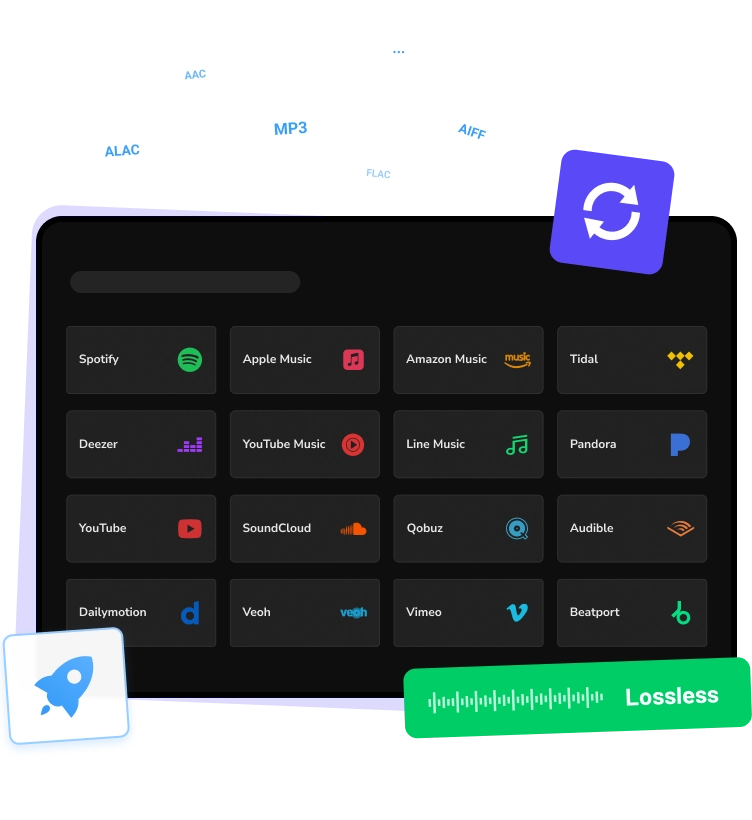

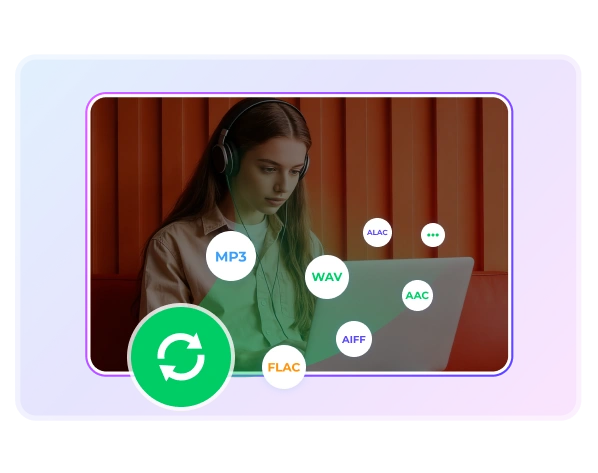
Losslessly download and convert Spotify music, playlists, podcasts, and audiobooks to MP3, WAV, AAC, FLAC, AIFF, or ALAC.
Convert all your Apple Music and iTunes M4P tracks to MP3 and other formats for high-quality playback.
Download any track, album, or playlist from Amazon Music and keep it forever, with no subscription limits.

Download lossless, Hi-Res FLAC, and Dolby Atmos tracks, bringing immersive, studio-quality sound to your devices.

Download Deezer tracks, albums, and playlists to MP3 and other formats with no loss of sound quality.

Safely download music & videos from YouTube and YouTube Music to high-quality MP3 for offline listening anytime.
Download entire playlists or single tracks in 320kbps MP3, keeping high-quality audio from your favorite independent artists.
Download Qobuz tracks in Hi-Res FLAC and Lossless formats for an uncompromised listening experience.
Permanently download any stream music to MP3, AAC, WAV, FLAC, AIFF, or ALAC. Enjoy unlimited playback without streaming limits.
Stop paying to access your favorite songs. Download and keep your music forever, even if your subscription ends.
Download your favorite tracks, albums, and playlists to your local library and enjoy lifetime playback with no limits.
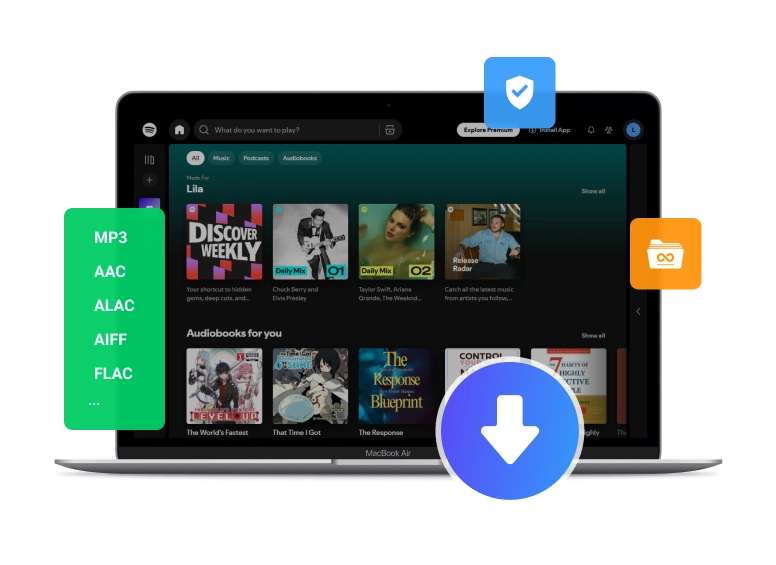
Clean & Safe
Active Users
Countries & Regions
Satisfaction Rate

Convert your favorite tracks, albums, playlists, podacsts, audiobooks and radios to MP3, AAC, WAV, FLAC, AIFF, or ALAC for unlimited offline listening.

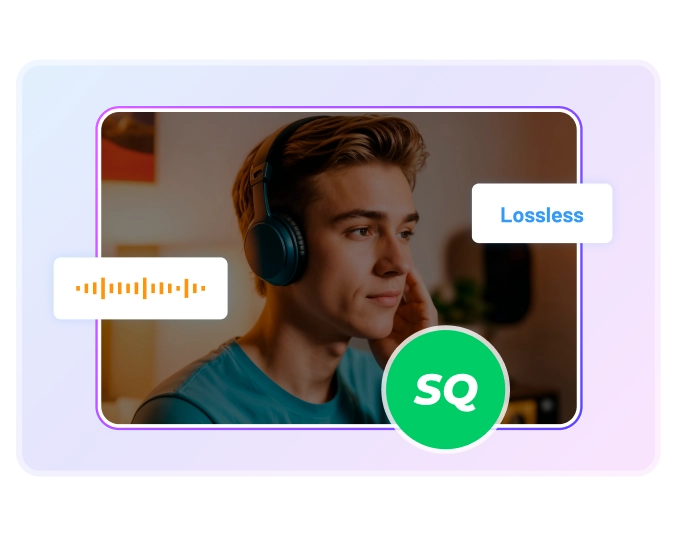
Keep your music in 100% original sound and enjoy pure, studio-quality audio with every track without any compression or quality loss.

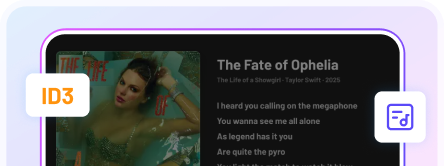

Take your entire music collection anywhere. Once downloaded, your tracks are yours to store, move, and enjoy across all your devices.

Save music locally for full offline access.

Works with phones, computers, USBs, and more.

Listen seamlessly across all your devices.

Quickly share and move your music wherever you want.

Easy to use, even for complete beginners. User Manual for KeepMusic Music Converter >>

Pick Music Platform
Launch KeepMusic on your computer and then select your preferred music platform.

Select Music Songs
Click the “+” button to add any stream music to KeepMusic.

Set Output Format
Go to the music settings page to choose the MP3 as the output format.

Download and Convert
Click the “Convert” button to start downloading music to your computer.

We make a difference in the lives of people during a very traumatic time in their life. meeting their eases their burden.
“KeepMusic is a good tool for converting and downloading music. The app is simple to operate, even for starters, and the UI is good and simple. The speed is good, and the audio quality is good, which is a big plus.”
Chloe Bennett
Video Editor

“KeepMusic is my go-to platform for getting the music I love. I can easily and quickly convert music to MP3 format. With responsive customer support and regular updates, KeepMusic is reliable, efficient, and perfect for enjoying music anywhere. Highly recommended!”
Noah Foster
Free Music Blogger

“Using KeepMusic as a DJ makes gathering music much easier. You can create playlists from multiple platforms, save them, and convert them to your preferred format—all in one app. It’s legal, safe, and keeps your music organized exactly the way you like. Truly a must-have for DJs.”
Lily Morgan
DJ

“KeeMusic Music Downloader is a really solid program for downloading music with great audio quality. One thing I like a lot is that the music still sounds crisp after converting with no big loss in quality. The free trial is also nice because you can try everything out before deciding if you want the full version.”
Mason Reed
Music Producer

“As a student who travels often, offline music is a must for me. KeepMusic lets me download my favorite tracks quickly and enjoy them anywhere without internet. The interface is clean and easy to use, and ID3 tags are handled properly. Overall, it’s fast, reliable, and works exactly as promised.”
Hannah Brooks
College Student

“KeepMusic Music Converter is a solid choice for anyone who wants to download and convert music from streaming platforms like Spotify, Apple Music, Amazon Music, or Tidal. It’s especially useful for people who want to listen to their playlists offline or on devices that don’t support streaming apps.”
Lucas Hayes
Audio Engineer

Yes! KeepMusic is completely safe to use, with no ads, ensuring you get a 100% clean and safe music conversion experience.
KeepMusic fully works with Windows 7, 8, 10, 11 and macOS 11 and later. It is regularly updated to ensure smooth performance with the latest system versions.
Of course. You can download KeepMusic for free and try a free trial — convert the first minute of each song. If you're satisfied, you can upgrade to the pro version to unlock the full tracks.
KeepMusic supports downloading music from all major platforms, including Spotify, Apple Music, YouTube, YouTube Music, Amazon Music, Tidal, Deezer, SoundCloud, and more. You can also record music from Bandcamp, Vimeo, etc.
KeepMusic supports downloading and converting single tracks, albums, playlists, podcasts, audiobooks, radios, music videos, and podcasts videos from streaming music platforms and 10,000+ podcast sites. All contents can be converted to MP3, WAV, AAC, FLAC, AIFF, or ALAC with full ID3 tags.
No, KeepMusic supports both free and premium users. Whether you have a free account or a paid subscription on the supported music platforms, you can download and convert your favorite tracks, playlists, or albums without any restrictions.
Absolutely! KeepMusic supports batch downloading multiple songs, whole playlists, or albums at up to 10× speed, greatly saving you time. Furthermore, KeepMusic has no limit on the number of songs that can be downloaded.
All converted files are saved to the location you choose on your device. Once converted, you own the files and can keep them forever, listen offline anytime.
Yes, you can freely transfer downloaded songs to any devices like USB flash drives, DJ software, MP3 players, and smartphones for offline playback.
If you encounter any problems after your purchase, please feel free to contact our support team at support@keepmusic.io. We will respond within 24 hours, ensuring that you can use KeepMusic smoothly and without interruption.
Quickly download music from Spotify, Apple Music, YouTube, and other platforms. Convert songs, podcasts, radio and audiobooks to MP3 or other popular formats! Start now!